Reviews
Venture tools for students who also work part-time: a 2027 survival guide
A 2027 guide to venture tools for students who work part-time, covering budgets, exportable software, startup costs, and graduation survival.
What to take away
- The tools that fit a working student are free or cheap, exportable, and usable on a phone between shifts.
- A part-time paycheck sets a hard monthly ceiling, so split startup money into four kinds before you spend.
- Test each tool against your class deadlines and your employer's schedule.
- Register the business and set aside tax money early, because graduation and job changes will stress the venture.
The double schedule test
A student who works part time runs two clocks. One belongs to the semester. The other belongs to the shift manager. A venture tool must survive both.
If a tool needs a weekday meeting or a quiet office, it fails. If it needs a laptop during a break, it may pass. Test each tool against a normal week.
Count the hours you truly control. Then count the hours you can recover after a closing shift. That number is your venture window. A tool that fits inside it earns a place.
A tool that demands more gets cut. This test matters because your employer can add a shift with little notice. Your professor can add a deadline the same way.
Ideas for students questions covers permission, the calendar, and ownership in simple answers.
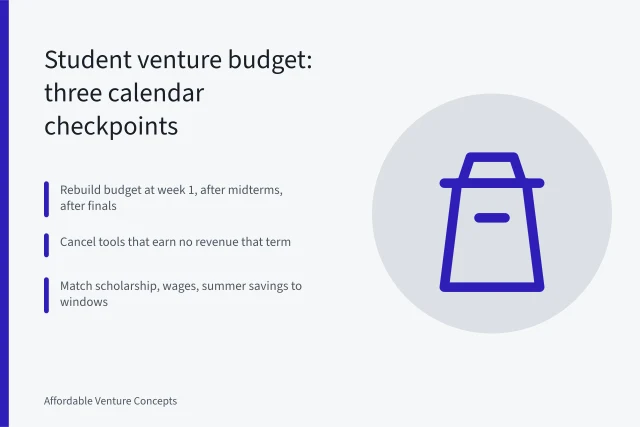
A budget built from a part-time paycheck
Startup costs for a working student differ from those of a full-time founder. Your paycheck arrives on a fixed date. Your class fees arrive on another. Rent and food take their share first.
What remains is your venture budget. Treat that number as a hard ceiling, not a target. To see why a single lump sum misleads, read Startup budget explained as four kinds.
It separates money for tools, money for fees, money for inventory, and money for a buffer. That split helps you decide what to defer. It also helps when your employer offers extra hours. You can say yes without breaking the venture.
Keep the budget inside one month of take-home pay. If a tool costs more than a shift, wait.
Tools that fit a shift and a syllabus
Use a table to compare tool types.
Example tool
- Calendar and tasks
- Google Calendar
- Files and documents
- Google Drive or Microsoft 365
- Accounting
- Wave
- Payments
- Square or Stripe
- Design
- Canva
- Website
- Carrd
Why it fits a working student
- Calendar and tasks
- Runs on any phone, free tier
- Files and documents
- Cloud sync, school account
- Accounting
- Free tier, phone app
- Payments
- Reader or phone tap
- Design
- Free tier, phone app
- Website
- Low annual cost
Cost risk
- Calendar and tasks
- Free
- Files and documents
- School account closes
- Accounting
- Payment processing fees
- Payments
- Per transaction fee
- Design
- Paid templates
- Website
- Domain renewal
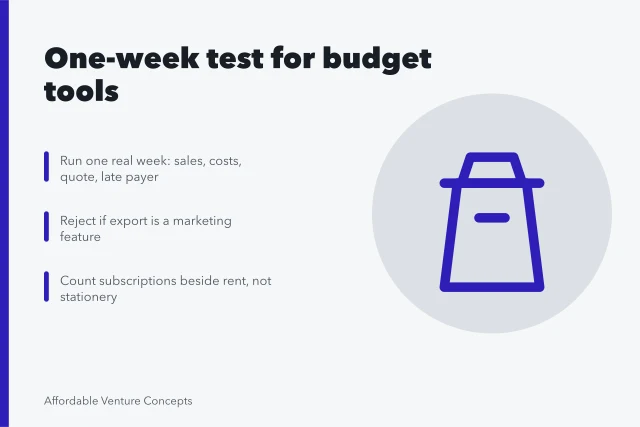
The table names six tool types. Each one must pass the export test. Can you download your files, contacts, and invoices in a format another service reads?
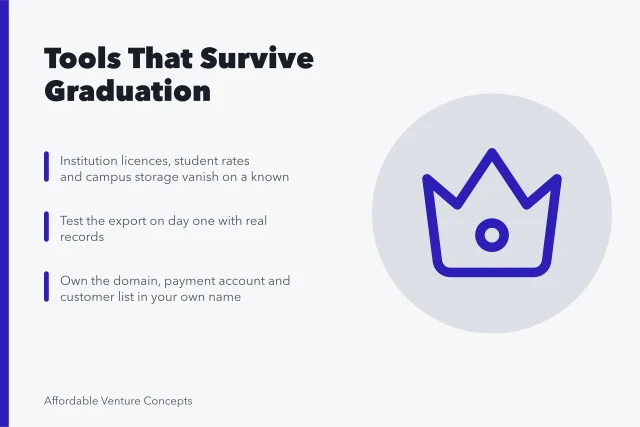
If not, the tool owns your data. For a deeper test, student venture tools that outlast graduation covers ownership and export.
A startup cost plan you can defend to an employer
Follow these steps before you buy anything.
A startup cost plan
- Write your monthly floor figure. Add rent, food, transport, and class fees. Subtract from take-home pay. That result is your venture ceiling.
- List every tool and its renewal date. Mark each as free, monthly, or yearly. Yearly renewals can hit a low-income month.
- Choose one tool per job. One calendar, one file store, one payment method. Extra tools add passwords and support tickets.
- Set a rule for extra shifts. Take hours only if the venture can run without you that week.
The SBA register your business guide lists the steps for a sole proprietorship or an LLC. Read it before you print business cards or open a bank account.
The IRS self-employed tax center explains quarterly estimated taxes and record keeping. A working student with a side venture may still owe self-employment tax.
The SBA choose business structure guide compares sole proprietorship, partnership, LLC, and corporation. Pick the structure that matches your risk and your state fees.
Example: a tutoring venture on two calendars
A student tutors math on Tuesdays and Thursdays. She works retail on weekends. Her tools are Google Calendar, Zoom, Wave, and Google Drive.
Her costs stay low. Free tiers cover most tasks. She pays for a domain so parents can find her. She keeps one month of renewals in savings.
The test asks two questions. Can she move a session when the manager calls? Yes, if she blocks time. Can she export her client list? Yes, with a CSV.
At graduation, her school email closes. She moves the calendar and drive to a personal account. She updates her payment link and tells parents.
If the venture runs from a dorm or family room, Home-based ideas for 2027 checks the building, permit file, and insurance policy.